
Category: Event Set Up

Event Set Up

Event Leaderboards

You can enable participants to upload their time when taking part in your event. This can be done in the details section by “Enabling Race Time Upload”. This can be turned on for any event. Participants can then access their entry, add their time for approval and upload an image as proof also.
Read Article »
Event Editor Resources

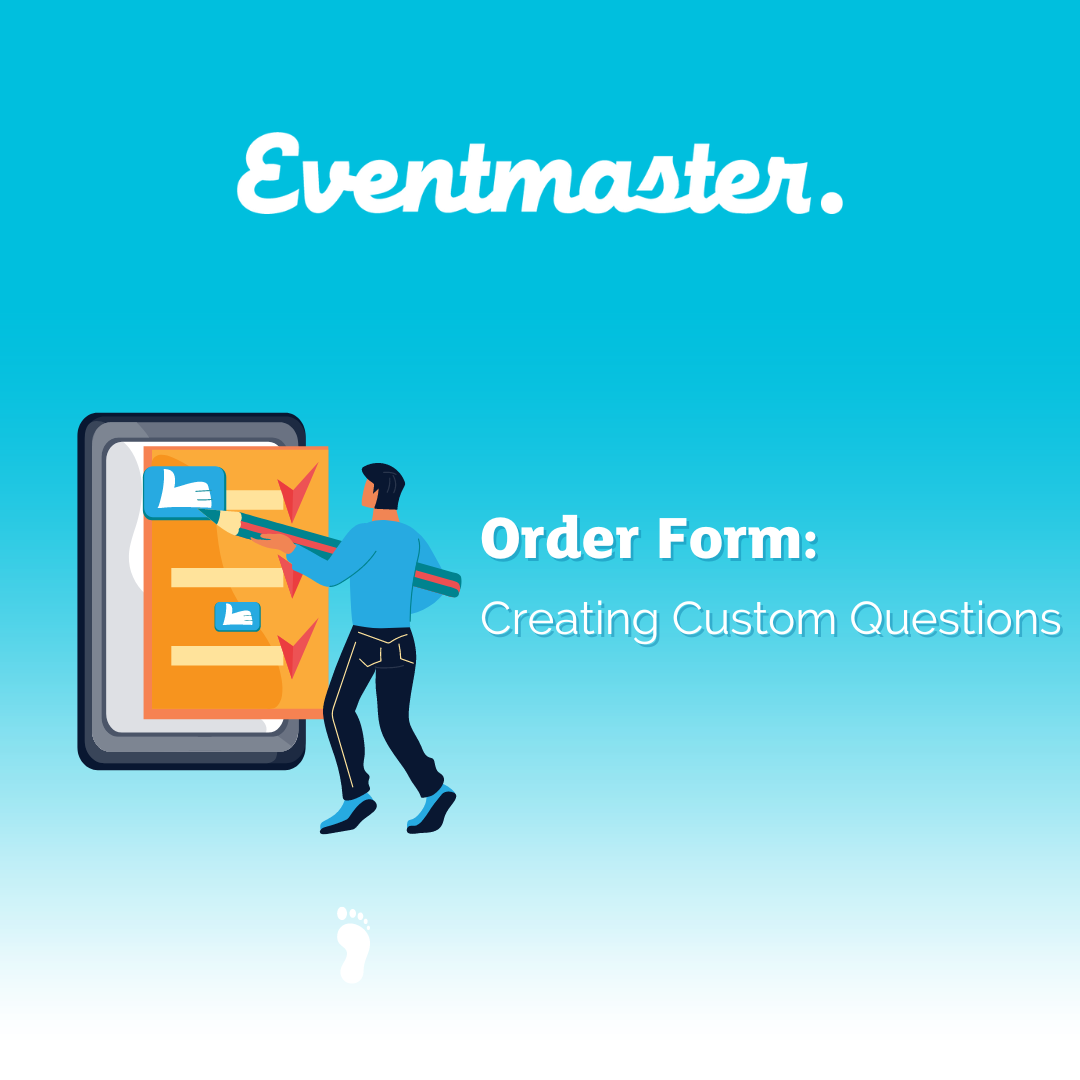
Adding a Custom Question

You can add custom questions to your order form or email support@eventmaster.ie to do this for you. This is useful if you need to collect any additional data at the time of registration that is relevant to taking part in the event.

Read Article »
Event Set Up

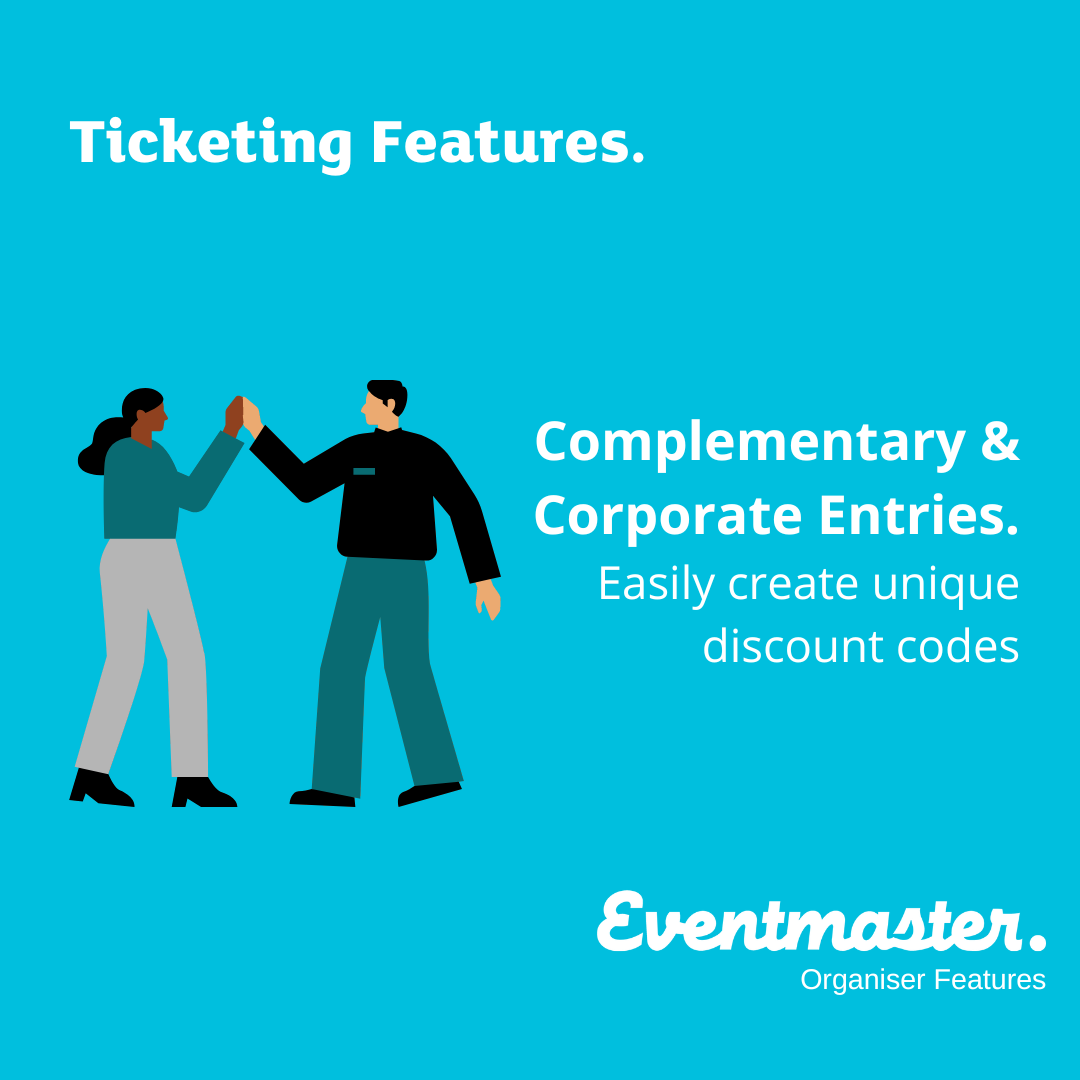
How to Manage Corporate & Complementary Entries.

If you have sponsors or corporate partners for your event, the easiest way to give them heavily discounted/free entries with minimal admin is to give each person a unique code to enter. This means only employees or specific users can use the code to register themselves, and there is no need for the company to collect employee information in an excel file etc in order to enter them in manually.

Read Article »
Event Editor Resources

Venue/Entry Capacity

If you are looking to cut off sales once a particular number of tickets has been sold, you can do this in the Dates section of the event editor. Additionally, if you have multiple timeslots on an event, you can control which tickets are listed under each one by clicking on Advanced, next to the set quantity.

Read Article »